Showing posts with label Teamviewer. Show all posts

TeamViewer App for iPhone, iPod touch & iPad

With the TeamViewer App for iPhone, iPod touch and TeamViewer HD for iPad you are now able to access remote computers from everywhere. It allows you to give spontaneous support as well as having permanent access to unattended computers.
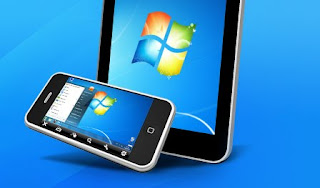
  • Support your clients and colleagues spontaneously.
  • Access your office desktop with all of its documents and installed applications.
  • Remotely administer unattended computers (e.g. servers).
  • Free for non-commercial use: support family and friends or have remote access to your own computer.

TeamViewer Portable

TeamViewer is a remote PC support/control and screen-sharing tool. You can remote control a partner's desktop to give online assistance, or you can show your screen to a customer without worrying about firewalls, IP addresses and NAT. It's packaged as a portable app so you can work on the go.


TeamViewer 5.0.8081

TeamViewer is an excellent screen-sharing and file-transfer app that can be used to facilitate business collaborations as well as helping distraught relatives diagnose and cure computer problems. Along with being free for noncorporate use, it gives users precisely the tools they need to share screens securely, send files with a minimum of hassle, control access rights, and even flip which user has control. 

The options available while you're in control work smoothly. You can maximize the pane that the other computer's screen is visible in, as well as utilize several smart options from a drop-down toolbar in the center of the window. A big X lets you close the connection, while the Actions button lets you switch whose in control, disable remote input, and reboot remotely. The View menu hides options to adjust the screen resolution, the optimization toward speed or quality, and control multiple-monitor displays.